
MHS GENESIS Features
The MHS GENESIS Patient Portal gives you a direct view and 24/7 access into your current medical and dental health records. You can:
- View and download your health data.
- Book or cancel appointments.
- Request prescription refills and renewals.
- View clinical notes and certain laboratory and test results.
- Exchange secure messages with your healthcare team.
- Complete a pre-visit questionnaire.
- Look up health information related to your health concerns, results, and prescriptions.
24/7 Access with MHS GENESIS
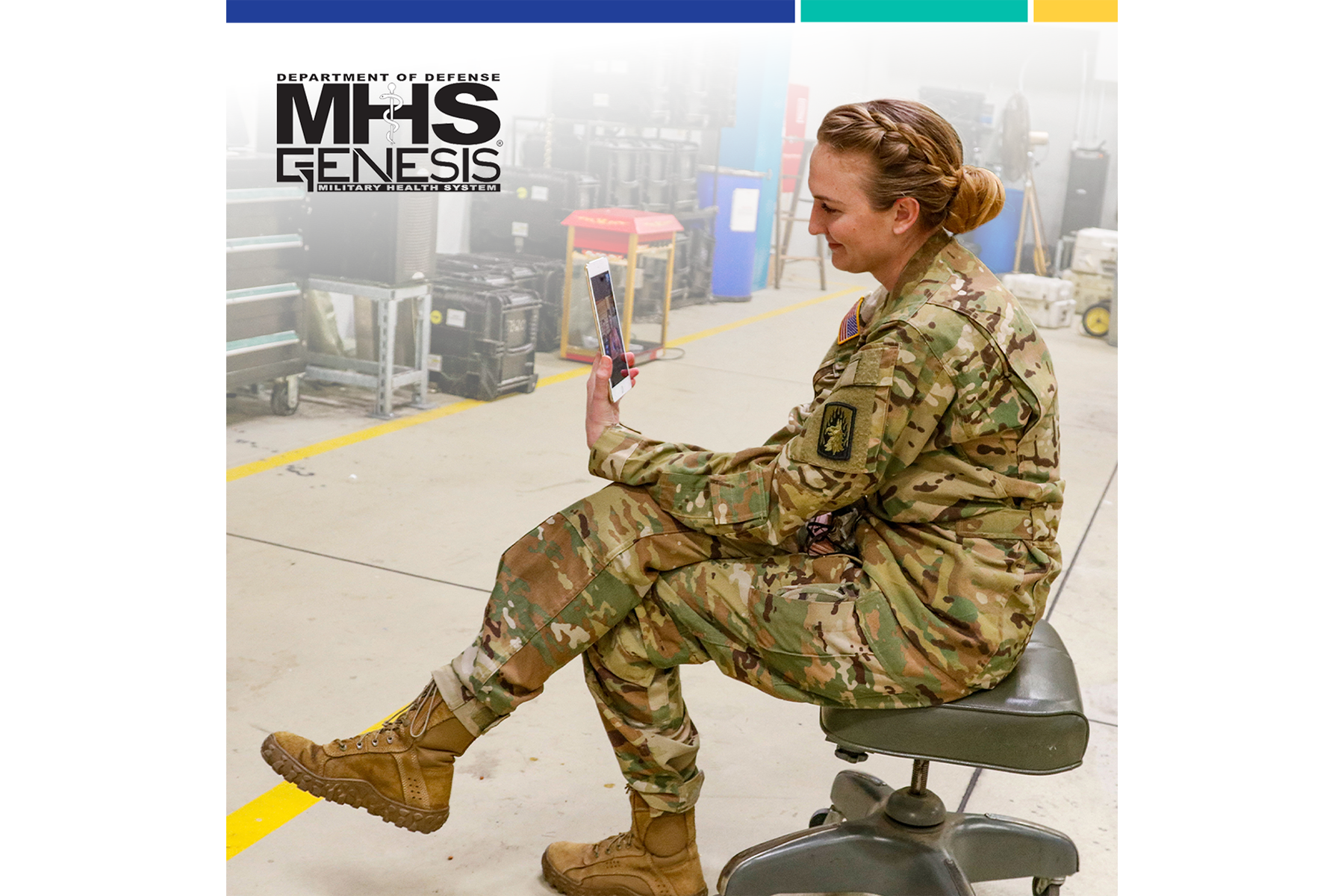
First, log in to the MHS GENESIS Patient Portal. You can use your computer, tablet, or smartphone.
Then, there are two ways to request an appointment:
- Click “Appointments” in the main menu, then click the “Schedule Appointments” button. Search for your clinic or provider.
- Send a secure message to request an appointment:
- Click “Messaging” in the top option bar.
- Click on “Inbox” in the left-side column.
- Choose “Send a Message” to create a message to your healthcare team.
You can request refills for most prescriptions from your military pharmacy.
- Choose the prescriptions you want to refill.
- Choose where you want to pick up your refill.
- See when your prescriptions are ready for pick up.
This feature applies to your existing prescriptions that have remaining refills.
If your prescription has no refills left, or it’s expired, you’ll need to contact your provider for a renewal. Depending on the drug, you may have to see your provider for a consult.
You can view and download the following personal health information:
- Prescriptions
- Allergies
- Health conditions
- Clinical notes and documents
- Lab results
- Radiology results
- Vital signs
- Immunizations
Secure messaging lets you talk privately with your healthcare team through the MHS GENESIS Patient Portal. With secure messaging, you can:
- Ask questions and get nonemergency healthcare advice.
- Request referrals.
- Ask your doctor to renew your prescriptions.
To send a secure message:
- Log in to the MHS GENESIS Patient Portal.
- Click “Messaging” in the top option bar.
- Click on “Inbox” in the left-side column.
- Choose “Send a Message” to create a message to your health care team.

Need help with MHS GENESIS?
Call the Global Service Center 24/7 at 800-600-9332 (DSN 312-421-3000).
- Have a CAC? Get help via chat and email at the GSC online services portal.
- Need help with myAuth? Visit milConnect or call 800-538-9552.
- Get country-specific support:
- Belgium: 0800-72115
- Germany: 0800-1011129
- Greece: 00800-12-5629
- Guam: 866-637-8725
- Italy: 800-782407
- Japan: 00531-1-20743
- Korea: 00798-14-800-5242
- Netherlands: 0800-0228847
- Panama: 001-800-151-1005
- Portugal: 800-8-12305
- Turkey: 0-800-151-1005
- United Kingdom: 08-005871786
- Spain: 900-951895